Training & Courses
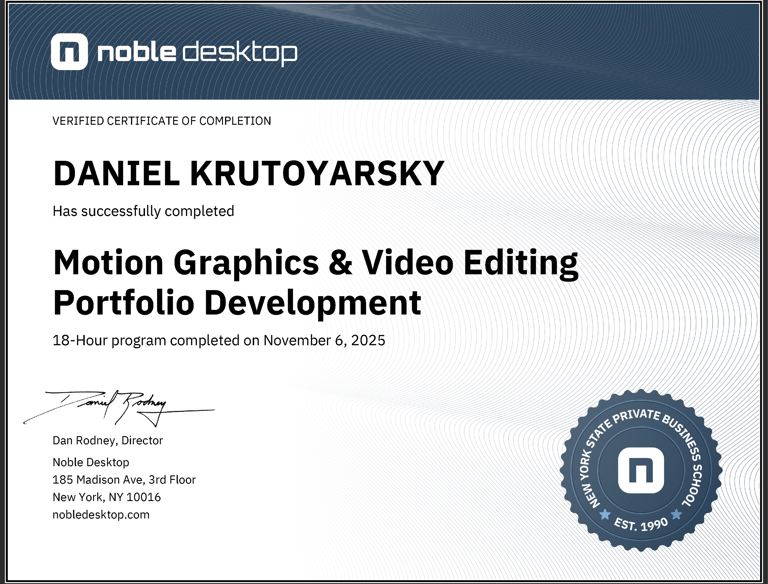
Motion Graphics & Video Editing Portfolio Development
Hands-on Training from Experts
Level up your video editing and motion graphics skills with this hands-on course. Learn editing principles, motion design, and best practices to create unique projects. Build an impressive demo reel to showcase your work.
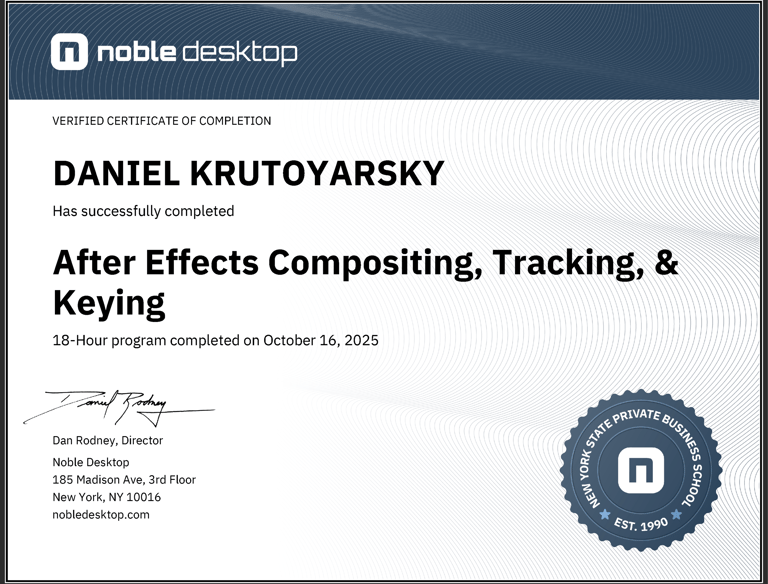
After Effects Compositing,Tracking, & Keying
Dive into compositing with this advanced After Effects class. During this course, you will learn crucial compositing skills like keying, rotoscoping, and tracking, as well as how to seamlessly integrate graphic elements into your compositions.
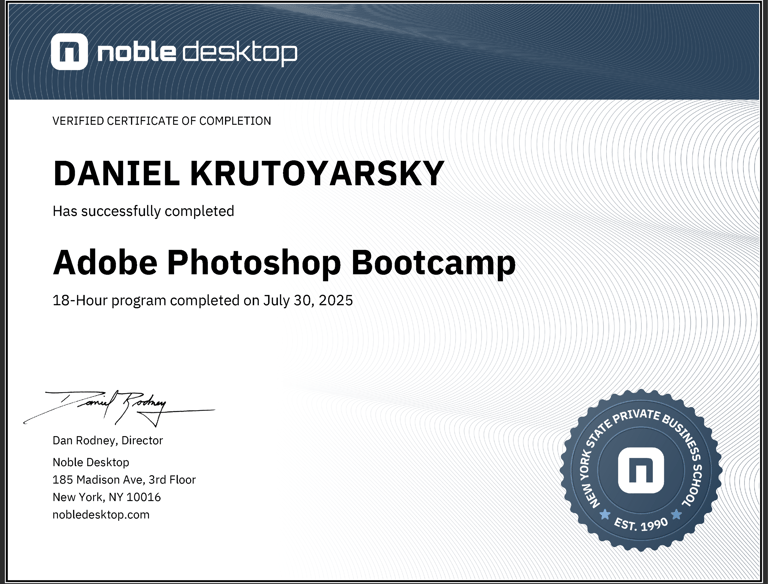
Adobe Photoshop Bootcamp
Learn how to retouch and color-correct photos, combine images, and create graphics in Adobe Photoshop. This course covers the basic and intermediate features of Photoshop, such as color and contrast adjustments, photo retouching, layers, masks, filters, and saving files for web, video, and print.
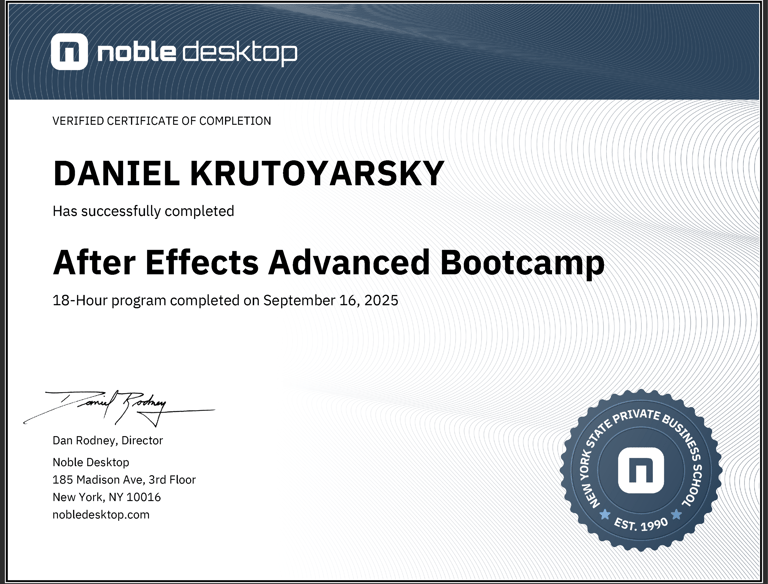
After Effects Advanced
Dive into the dynamic world of Adobe After Effects with this advanced course, designed to elevate your animation and motion graphics skills. From mastering 3D layers and custom shapes to optimizing animations with expressions, you'll learn the skills to create captivating visuals that stand out in any project.
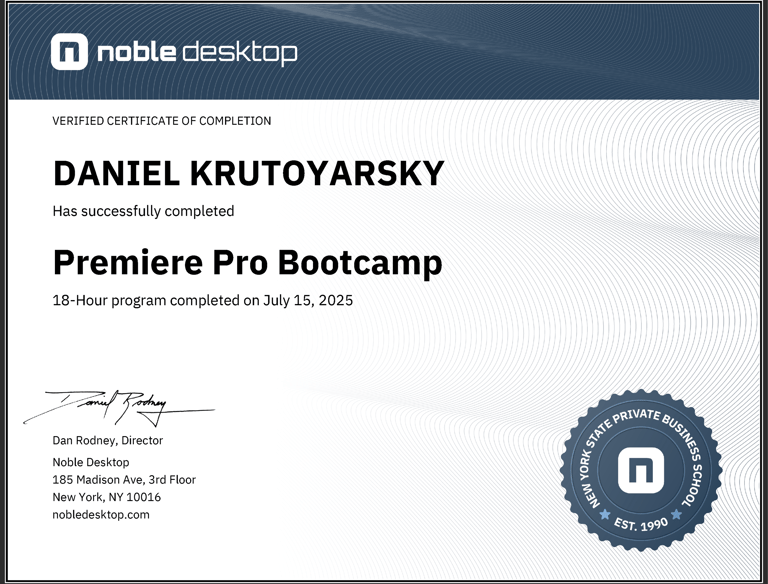
Premiere Pro Bootcamp
Learn how to edit professional-quality videos using Adobe Premiere Pro. This course covers the complete editing workflow, from importing and organizing footage to timeline editing, transitions, basic color correction, audio editing, and exporting videos for multiple platforms. Ideal for beginners who want to build strong, practical video editing skills.
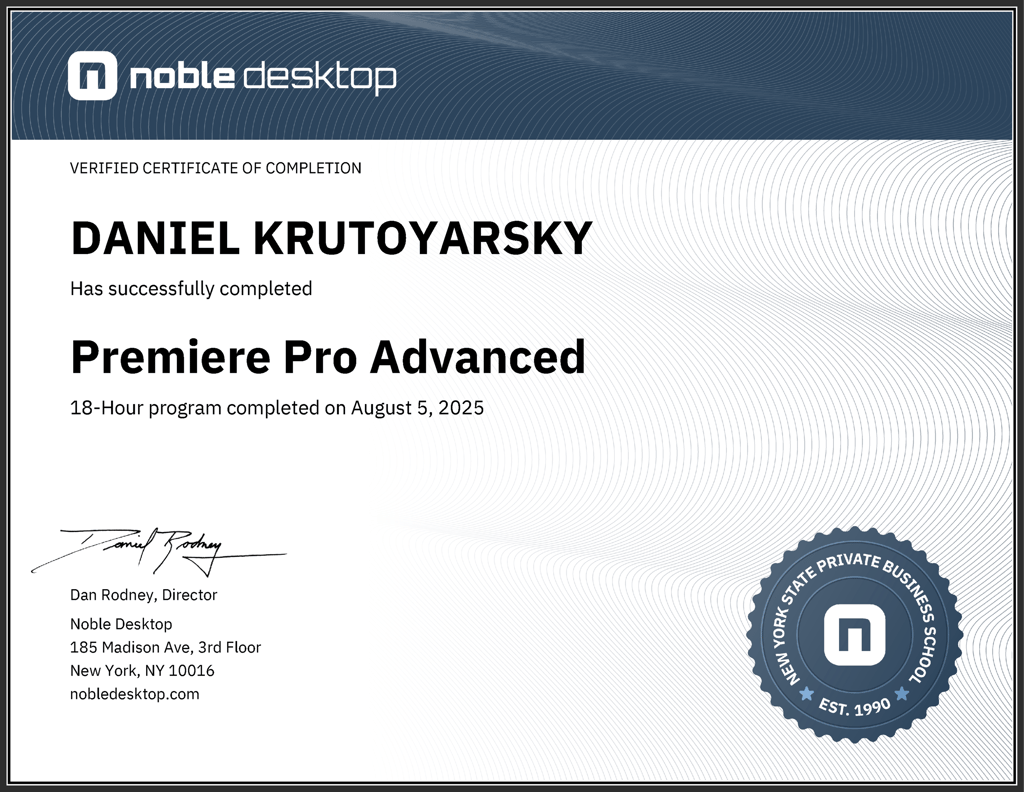
Premiere Pro Advanced
Take your video editing skills further with advanced tools and professional workflows in Adobe Premiere Pro. This course focuses on multicam editing, advanced color correction, audio synchronization, efficient project organization, and performance optimization. Designed for editors ready to work on complex projects and deliver polished results.